
テキストから画像
テキストから画像をつくる AI、あなたの想像のために
被写体、場面、伝えたい雰囲気を言葉にしてください。シンプルなワークスペースで新しい画像を生成し、ダウンロードするか、そのまま次の編集へ進めます。
3 ステップで、テキストから画像へ
- 1
画像を言葉で描く
まず被写体から始め、素材、光、構図、ムードなど大事な要素を足していきます。プロンプト欄には最大 5,000 文字まで入るので具体的に書く余裕がありますが、始めるなら 1 行で十分です。
- 2
形式を選ぶ
PixJelly V2.0 か外部の画像モデルのどれかを選び、フレームの形を決めます。比率はモデルが組み立てる構図を左右するので、生成後にトリミングで合わせるより、生成前に決めておく価値があります。
- 3
生成してダウンロード
リクエストはプロバイダーのサーバーで実行され、ワークスペースがタスクを追跡します。画像が届いたら実寸で確認し、ダウンロードボタンで保存するか、プロンプトを調整してもう一度実行します。
あなた自身の方向性のための余白を
短いプロンプトで探ってもいいし、細部を足して、より具体的なビジュアルの指示にしてもかまいません。決まった型も、覚えるべきキーワード一覧もありません。見たいものを素直に書いた 1 文で十分に始められますし、頭の中の絵がもっと細かく決まっている日のために、書き足す余白も用意してあります。
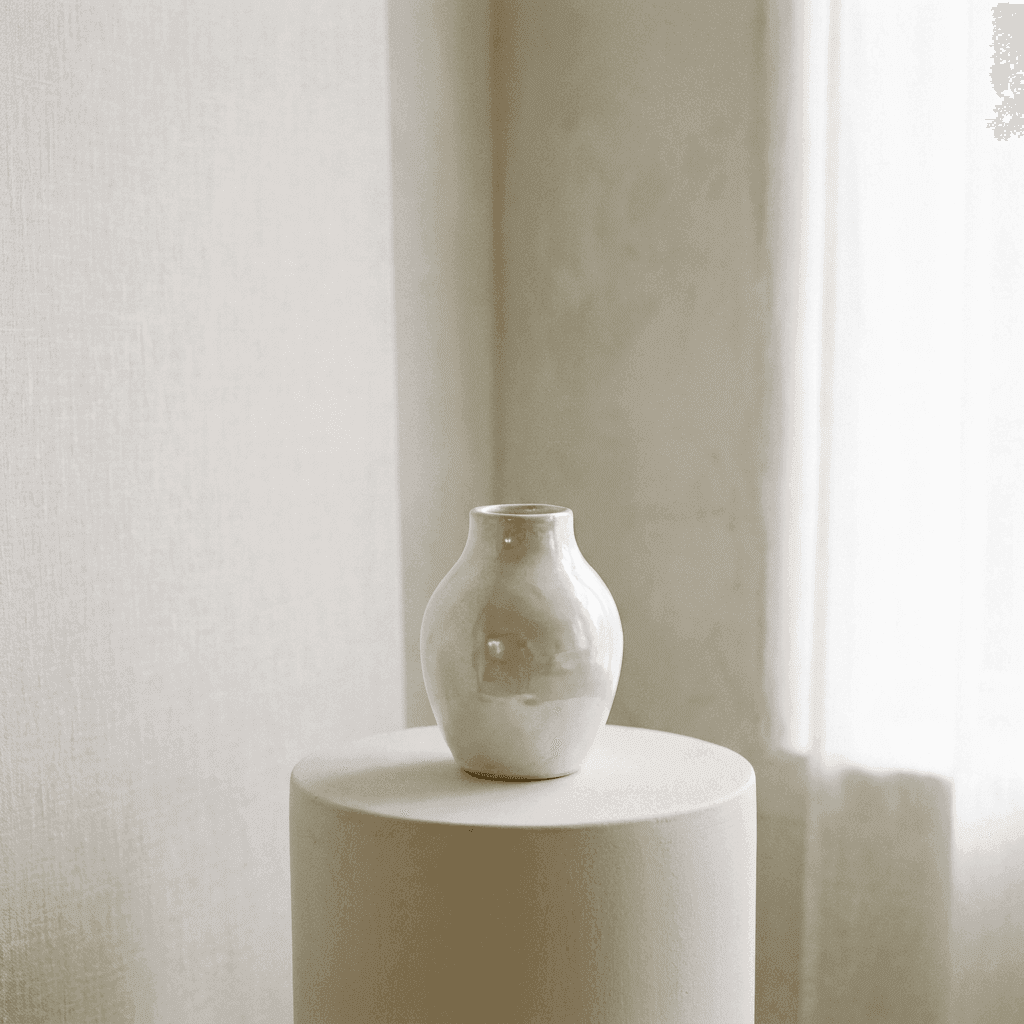
細部に宿る美しさを見つける
思い描いている素材、光、構図を言葉にしてください。プロジェクトにしっくりくるまで、バリエーションを試せます。プロンプト全体を書き直すより、光、レンズ、表面など 1 か所ずつ変えていくほうが、モデルが何に反応するのかをはるかに多く学べます。
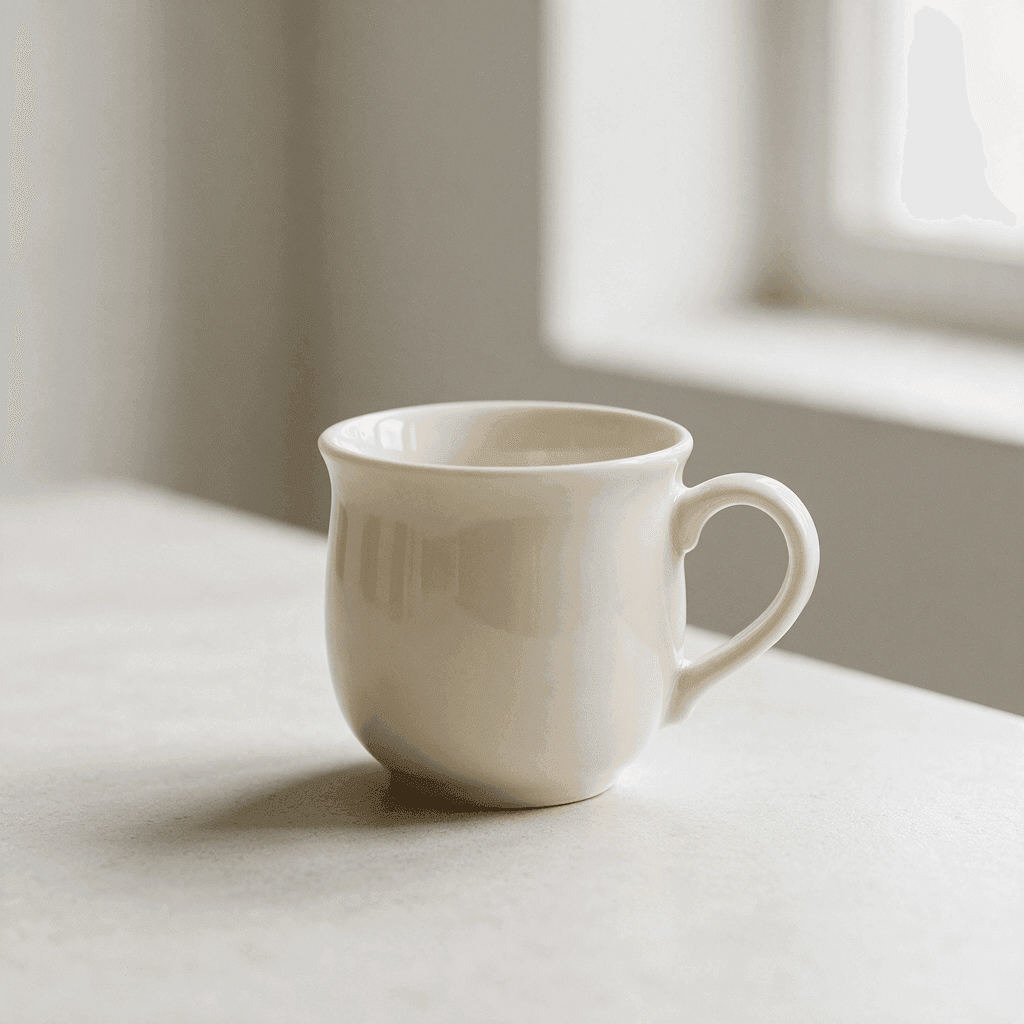
テキストから画像に集中したワークスペース
始めるために必要な操作だけを。
柔軟な形式
正方形、縦長、横長の比率を 1:1、3:4、4:3、16:9、9:16 から選べます。画像の使い道に合った構図になるよう、生成の前に選んでください。
公式モデルと外部モデル
厳選したワークフローを使うか、Nano Banana Pro、Nano Banana 2.1、GPT Image 2、Seedream 5 Pro を直接選べます。同じプロンプトでも、モデルごとに読み取り方が違います。
ダウンロードできる結果
生成した画像は結果パネルから直接保存できます。あなたとファイルの間に、透かしの手順も別のエクスポート画面もありません。
長いプロンプトにも余裕
プロンプト欄には最大 5,000 文字まで入ります。被写体、場面、光についてのメモ、避けたいものの一覧まで、指示書を削らずに書き込めます。
インストール不要
生成は、いまお使いのブラウザーで動きます。プラグインもデスクトップアプリも不要です。生成するには Google でログインしてください。初回ログイン時には 10 クレジットを無料で受け取れます。
再読み込みしても消えないタスク
進行中の生成はワークスペースが覚えているので、ページを更新したり別の画面に移ったりしても、待っていた画像を失うことはありません。
画像ツールのほかの道具
画像をつくるのは仕事のひとつ。ほかの仕事はこちらで。
画像から画像
手元にある写真から始めて、新しいスタイル、場面、ムードを言葉で伝えます。
注釈して編集
画像はそのままに、一部だけを変えます。その場所に矢印を引き、指示を書き添えます。
背景を削除
被写体を透過 PNG として切り抜きます。このツールはサーバーではなく、お使いの端末上で動きます。
画像づくりを、さらに先へ
テキストから画像が特に役立つ場面
アートディレクション
- カメラマン、セット、予算を押さえる前に、ムードを探れます。
- 同じ被写体で 3 通りの構図を試し、資料の中で並べて比べられます。
- 文字で書かれた参考イメージを、部屋にいる全員が実際に見て議論できる形にします。
SNS・編集コンテンツ用の画像
- 同じアイデアから、ストーリー用の縦長の画像とヘッダー用の横長の画像を生成できます。
- 必要な写真がこの世に存在せず、ストックフォトにもないときに、記事の挿絵をつくれます。
- まだ何も制作していない段階で、キャンペーンのビジュアルコンセプトを組み立てられます。
静物・商品のコンセプト
- 物、表面、素材を言葉で描き、1 つのフレームの中でどう並ぶかを確かめられます。
- 照明を 1 つも動かさずに、硬く方向性のある光や、曇り空のような柔らかい光を試せます。
- パッケージや陳列のアイデアを、外れても何も失わないくらい素早くスケッチできます。
仮画像・モックアップ
- またグレーの箱を置く代わりに、デザインした比率どおりの画像でレイアウトを埋められます。
- プロトタイプに完成品の雰囲気を持たせれば、フィードバックが足りない素材ではなく、デザインそのものに向かいます。
- スライド、バナー、表紙で文字の後ろに敷く背景やテクスチャをつくれます。
テキストから画像の生成ツールとは?
AI 画像生成ツールが本領を発揮するのは、必要な画像がまだどこにも存在しないときです。記事の挿絵、誰かに見せたいコンセプト、レイアウトに収まる仮画像など。入力した言葉がどう扱われるのかを説明します。
プロンプト
ワークスペースは最大 5,000 文字まで受け付けます。被写体だけでも始められ、素材、光、構図、ムードを足すほど、返ってくる結果が絞り込まれます。覚えるべきキーワード構文も、集めるべき魔法の言葉もありません。ふつうの文章で大丈夫です。
モデル
PixJelly V2.0 は厳選したワークフローで、現在は Nano Banana Pro で動いています。Nano Banana 2.1、GPT Image 2、Seedream 5 Pro も選べ、同じプロンプトでもモデルごとに読み取り方が異なります。1 つの指示書を 2 つのモデルで試すのは、自分のつくりたい画像に合うモデルを知る手軽な方法です。
フレーム
生成する前に 1:1、3:4、4:3、16:9、9:16 から選びます。比率は構図を左右するので、画像を使う場所に合わせる価値があります。モデルを切り替えると比率は正方形に戻るため、形式は最後に設定してください。
結果
生成はブラウザーの中ではなく、プロバイダーのサーバーで行われます。完成した画像はダウンロードボタンつきで結果パネルに表示され、次の生成を始めると置き換わります。残したい画像は、次を実行する前に保存してください。
まずつくり、それから磨く
テキストから最初の 1 枚を生成し、それをどうするかはその後で決めます。テキストから画像は、画面全体をゼロから生み出すのはとても得意ですが、ほぼ完成している画面の一角だけを変えるのはずっと苦手です。この 2 つは別の仕事なので、ワークスペースには後者のための別のツールを用意しています。
だから、最初の結果は下書きとして扱うのがいい習慣です。ダウンロードし、プロンプト欄から離れて眺め、次の一手がもう一度プロンプトを書くことなのか、手元の画像の一部を狙って変えることなのかを見極めてください。
実行するたびに新しい画像ができます。同じプロンプトで 2 回試しても一致せず、言い回しを少し変えただけで構図全体が動くこともあります。思い描いたものに近い結果が出たら、また試し始める前に保存しておいてください。
思い描いたものに近い写真がすでにありますか? 画像から画像なら、白紙のフレームではなくその写真から始めるので、ポーズ、構図、光を引き継いだまま、スタイル、場面、ムードを変えられます。
テキストから画像についての質問
PixJelly V2.0 とは何ですか?
PixJelly V2.0 は厳選した画像生成ワークフローで、現在は Nano Banana Pro を使っています。一貫したビジュアルの指示書と基盤となるモデルを組み合わせたもので、独自に学習させた基盤モデルではありません。
参考画像は必要ですか?
いいえ。このツールはテキストのプロンプトだけから画像をつくります。空のワークスペースと 1 文があれば、十分に始められます。
生成にはどれくらい時間がかかりますか?
モデルとプロバイダーの負荷によって変わります。結果パネルに進み具合が表示されます。待ち時間がタイムアウトした場合は、別の生成を始めずに既存のタスクを確認し直してください。
画像の生成は端末上で行われますか?
いいえ。プロンプトは画像プロバイダーに送られ、画像はブラウザーの中ではなく、プロバイダーのサーバーで生成されます。
プロンプトはどれくらいの長さまで書けますか?
最大 5,000 文字です。役に立つプロンプトの多くはそれよりずっと短いものですが、詳しい指示書を欄に収めるために削らなくて済むよう、この上限にしています。
どのアスペクト比を選べますか?
正方形が 1 つ、縦長が 2 つ、横長が 2 つの 5 種類です。初期値は正方形で、モデルを変えると選択がリセットされるため、モデルを決めてから比率を設定してください。
同じ画像をもう一度生成できますか?
完全に同じにはなりません。実行するたびに新しい画像ができ、同じプロンプトでも違うものが返ってくることがあります。残したい画像は、プロンプトを編集する前にダウンロードしてください。
アカウントは必要ですか?
プロンプトを書くだけならアカウントは不要です。画像の生成は画像プロバイダーのサーバーで行われるため、Google でのログインが必要です。初回ログイン時に追加される 10 クレジットで、最も安いモデルなら 2 枚生成できます。