
텍스트로 이미지 생성
상상을 위한 텍스트로 이미지 생성 AI
피사체와 장면, 원하는 느낌을 글로 적어 보세요. 간단한 작업 공간에서 새 이미지를 생성한 뒤 내려받거나 바로 다음 편집으로 이어 갈 수 있습니다.
세 단계로 텍스트에서 이미지까지
- 1
이미지를 글로 묘사하기
피사체부터 시작해 소재, 조명, 구도, 분위기처럼 중요한 요소를 더해 보세요. 프롬프트 칸에는 최대 5,000자까지 들어가므로 구체적으로 쓸 여유가 있지만, 시작은 한 줄이면 충분합니다.
- 2
형식 고르기
PixJelly V2.0이나 외부 이미지 모델 중 하나를 고르고 화면 비율을 정합니다. 비율은 모델이 만드는 구도를 좌우하므로, 생성한 뒤 잘라서 맞추기보다 생성 전에 정해 두는 편이 좋습니다.
- 3
생성하고 내려받기
요청은 제공업체 서버에서 실행되고, 작업 공간이 진행 상황을 추적합니다. 이미지가 도착하면 원래 크기로 확인한 뒤 다운로드 버튼으로 저장하거나, 프롬프트를 고쳐 다시 실행하세요.
나만의 방향을 위한 여백
짧은 프롬프트로 가볍게 탐색해도 되고, 디테일을 더해 더 구체적인 시각적 요청서로 만들어도 됩니다. 정해진 공식도, 외워야 할 키워드 목록도 없습니다. 보고 싶은 것을 솔직하게 적은 한 문장이면 충분히 시작할 수 있고, 머릿속 그림이 훨씬 구체적인 날을 위해 더 적을 공간도 마련되어 있습니다.
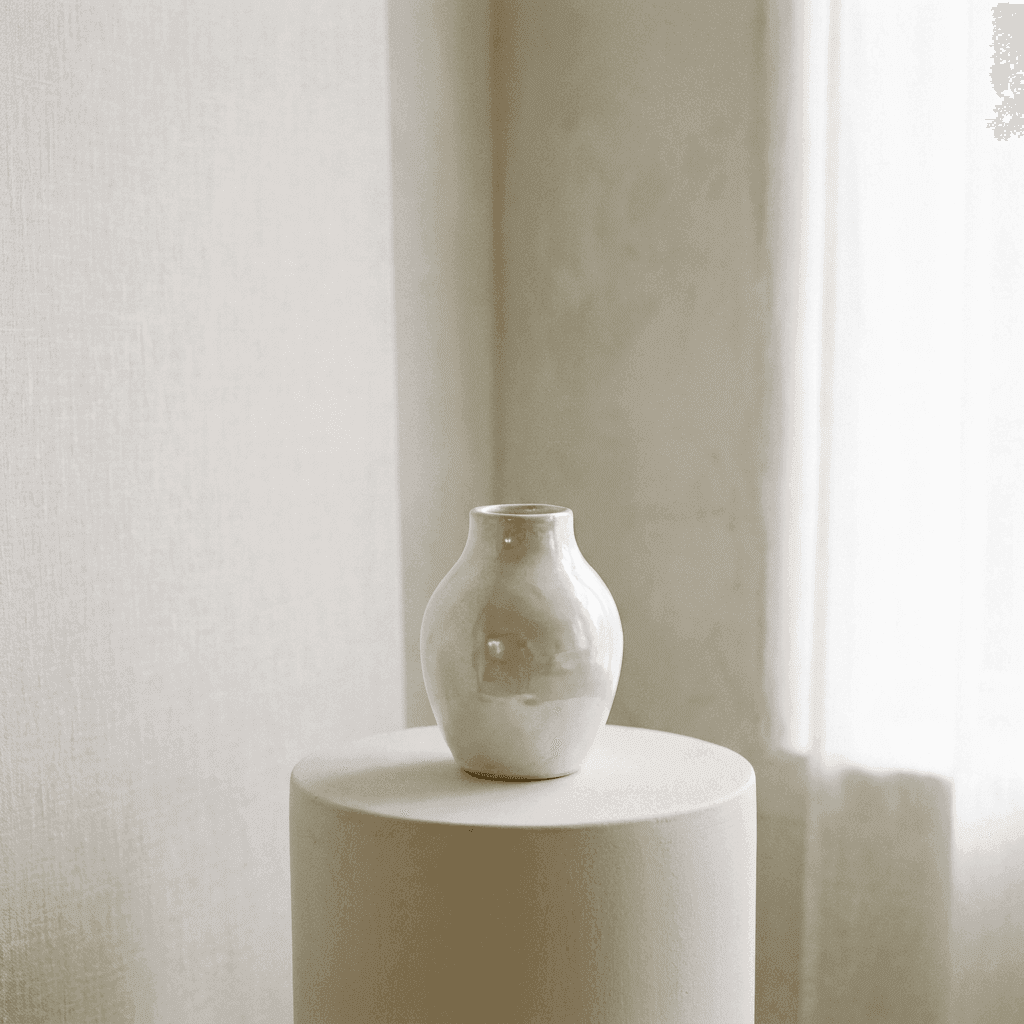
디테일 속 아름다움을 찾아서
떠올린 소재와 빛, 구도를 글로 적어 보세요. 프로젝트에 꼭 맞는다고 느낄 때까지 여러 변형을 시도할 수 있습니다. 프롬프트 전체를 한 번에 다시 쓰기보다 빛이나 렌즈, 표면처럼 한 구절씩 바꿔 보면, 모델이 무엇에 반응하는지 훨씬 많이 배울 수 있습니다.
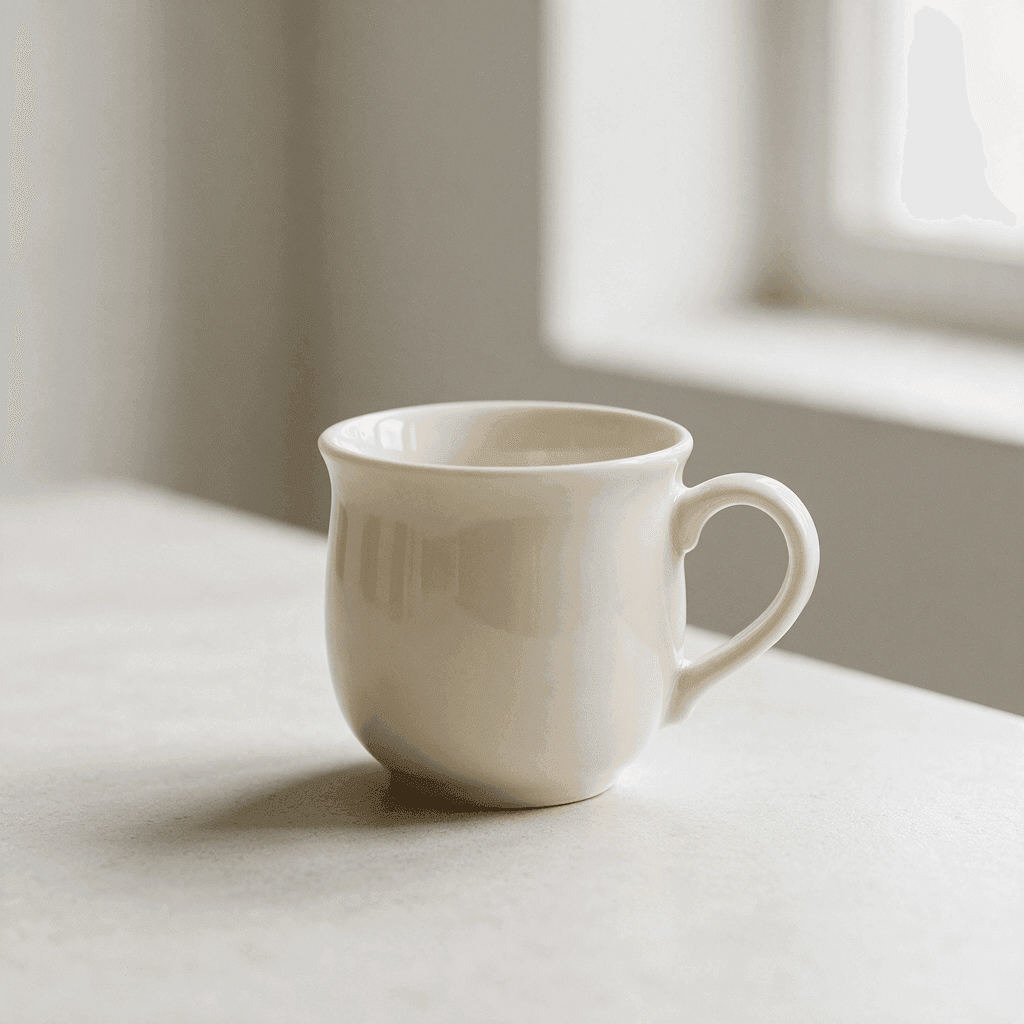
텍스트로 이미지 생성에 집중한 작업 공간
시작하는 데 필요한 기능만 담았습니다.
유연한 형식
정사각형, 세로형, 가로형 비율인 1:1, 3:4, 4:3, 16:9, 9:16 중에서 고를 수 있습니다. 이미지가 쓰일 곳에 맞는 구도가 되도록 생성 전에 골라 두세요.
공식 모델과 외부 모델
엄선한 워크플로를 쓰거나 Nano Banana Pro, Nano Banana 2.1, GPT Image 2, Seedream 5 Pro를 직접 고를 수 있습니다. 같은 프롬프트라도 모델마다 해석하는 방식이 다릅니다.
바로 내려받는 결과
생성된 이미지는 결과 패널에서 바로 저장할 수 있습니다. 여러분과 파일 사이에 워터마크 단계도, 별도의 내보내기 화면도 없습니다.
긴 프롬프트도 넉넉하게
프롬프트 칸에는 최대 5,000자까지 들어갑니다. 피사체, 장면, 조명 메모, 피하고 싶은 요소 목록까지 요청서를 줄이지 않고 담을 수 있습니다.
설치할 것이 없습니다
생성은 지금 쓰고 있는 브라우저에서 실행됩니다. 플러그인도 데스크톱 앱도 필요 없습니다. 생성하려면 Google로 로그인하세요. 처음 로그인할 때 10 크레딧을 무료로 드립니다.
새로고침해도 이어지는 작업
진행 중인 생성은 작업 공간이 기억하므로, 페이지를 새로고침하거나 다른 화면으로 옮겨 가도 기다리던 이미지를 잃지 않습니다.
이미지 도구 모음의 다른 도구들
이미지를 만드는 것은 한 가지 일일 뿐, 나머지 일은 여기서.
이미지로 이미지 생성
이미 가지고 있는 사진에서 시작해, 새로운 스타일이나 장면, 분위기를 글로 적어 보세요.
주석 편집
이미지는 그대로 두고 한 부분만 바꿉니다. 그 자리에 화살표를 그리고 지시를 적으세요.
배경 제거
피사체만 투명 PNG로 분리합니다. 이 도구는 서버가 아니라 여러분의 기기에서 실행됩니다.
이미지 작업 계속하기
텍스트로 이미지 생성이 가장 도움이 되는 곳
아트 디렉션
- 사진작가나 세트, 예산을 정하기 전에 분위기부터 탐색할 수 있습니다.
- 같은 피사체로 세 가지 구도를 만들어 발표 자료에 나란히 놓고 비교할 수 있습니다.
- 글로만 있던 레퍼런스를, 회의실의 모두가 실제로 보고 의견을 나눌 수 있는 그림으로 바꿉니다.
SNS·에디토리얼 이미지
- 같은 아이디어에서 스토리용 세로 이미지와 헤더용 가로 이미지를 함께 생성할 수 있습니다.
- 필요한 사진이 세상에 없고 스톡 사이트에도 없을 때 기사 삽화를 만들 수 있습니다.
- 아무것도 제작하기 전에 캠페인의 비주얼 콘셉트를 먼저 잡아 볼 수 있습니다.
정물·제품 콘셉트
- 사물과 표면, 소재를 묘사해 한 화면 안에서 어떻게 어우러지는지 볼 수 있습니다.
- 조명 하나 옮기지 않고도 강하고 방향성 있는 빛, 흐린 날처럼 부드러운 빛을 실험할 수 있습니다.
- 패키지나 진열 아이디어를, 틀려도 잃을 것이 없을 만큼 빠르게 스케치할 수 있습니다.
임시 이미지와 목업
- 또 회색 상자를 넣는 대신, 디자인한 비율에 맞는 이미지로 레이아웃을 채울 수 있습니다.
- 프로토타입에 완성품의 분위기를 입히면, 피드백이 빠진 이미지가 아니라 디자인 자체에 모입니다.
- 슬라이드, 배너, 표지에서 글자 뒤에 깔 배경이나 텍스처를 만들 수 있습니다.
텍스트로 이미지 생성기란?
AI 이미지 생성기가 제 몫을 하는 때는 필요한 그림이 아직 세상에 없을 때입니다. 기사 삽화, 누군가에게 보여 줄 콘셉트, 레이아웃에 맞는 임시 이미지처럼요. 입력한 글이 어떻게 처리되는지 설명합니다.
프롬프트
작업 공간은 최대 5,000자까지 받습니다. 피사체 하나만으로도 시작할 수 있고, 소재와 조명, 구도, 분위기를 더할수록 결과가 좁혀집니다. 배워야 할 키워드 문법도, 모아야 할 마법의 단어도 없습니다. 평범한 문장이면 충분합니다.
모델
PixJelly V2.0은 엄선한 워크플로로, 현재 Nano Banana Pro로 실행됩니다. Nano Banana 2.1, GPT Image 2, Seedream 5 Pro도 쓸 수 있으며, 같은 프롬프트라도 모델마다 해석이 다릅니다. 하나의 요청서를 두 모델로 돌려 보면 내가 만들려는 그림에 어떤 모델이 맞는지 손쉽게 알 수 있습니다.
화면 비율
생성하기 전에 1:1, 3:4, 4:3, 16:9, 9:16 중에서 고르세요. 비율이 구도를 좌우하므로 이미지가 쓰일 곳에 맞추는 것이 좋습니다. 모델을 바꾸면 비율이 정사각형으로 돌아가므로, 형식은 마지막에 정하세요.
결과
생성은 브라우저가 아니라 제공업체 서버에서 이루어집니다. 완성된 이미지는 다운로드 버튼과 함께 결과 패널에 나타나고, 다음 생성을 시작하면 바뀌므로 남기고 싶은 이미지는 다음 실행 전에 저장하세요.
먼저 만들고, 그다음 다듬기
텍스트로 첫 이미지를 생성한 다음, 그것으로 무엇을 할지 정하세요. 텍스트로 이미지 생성은 화면 전체를 새로 만들어 내는 데는 아주 뛰어나지만, 거의 완성된 화면의 한구석만 바꾸는 데는 훨씬 서툽니다. 둘은 서로 다른 일이라서, 작업 공간에는 두 번째 일을 위한 도구가 따로 있습니다.
그래서 첫 결과는 초안으로 다루는 습관이 유용합니다. 내려받아 프롬프트 칸에서 떨어져 바라본 뒤, 다음 단계가 프롬프트를 다시 쓰는 것인지 이미 가진 그림의 일부만 고치는 것인지 판단하세요.
실행할 때마다 새 이미지가 만들어집니다. 같은 프롬프트로 두 번 시도해도 같지 않고, 표현을 조금만 바꿔도 구도 전체가 달라질 수 있습니다. 원하던 것에 가까운 결과가 나오면 다시 실험하기 전에 저장해 두세요.
원하는 것에 가까운 사진이 이미 있나요? 이미지로 이미지 생성은 빈 화면이 아니라 그 사진에서 시작하므로, 포즈와 구도, 빛은 이어 가면서 스타일이나 장면, 분위기를 바꿀 수 있습니다.
텍스트로 이미지 생성에 관한 질문
PixJelly V2.0은 무엇인가요?
PixJelly V2.0은 엄선한 이미지 워크플로로, 현재 Nano Banana Pro를 기반으로 합니다. 일관된 시각적 요청서와 바탕이 되는 모델을 결합한 것이며, 따로 학습시킨 기반 모델은 아닙니다.
참고 이미지가 필요한가요?
아니요. 이 도구는 텍스트 프롬프트만으로 이미지를 만듭니다. 빈 작업 공간과 한 문장이면 충분히 시작할 수 있습니다.
생성에는 얼마나 걸리나요?
모델과 제공업체의 부하에 따라 다릅니다. 결과 패널에 진행 상황이 표시됩니다. 기다리다 시간이 초과되면 새 생성을 시작하지 말고 기존 작업을 다시 확인하세요.
이미지 생성이 기기에서 이루어지나요?
아니요. 프롬프트는 이미지 제공업체로 전송되고, 이미지는 브라우저가 아니라 제공업체 서버에서 생성됩니다.
프롬프트는 얼마나 길게 쓸 수 있나요?
최대 5,000자입니다. 쓸모 있는 프롬프트는 대부분 이보다 훨씬 짧지만, 자세한 요청서를 칸에 맞추느라 줄일 일이 없도록 이렇게 정했습니다.
어떤 화면 비율을 쓸 수 있나요?
정사각형 하나, 세로형 둘, 가로형 둘로 모두 다섯 가지입니다. 기본값은 정사각형이며 모델을 바꾸면 선택이 초기화되므로, 모델을 정한 뒤에 비율을 고르세요.
같은 이미지를 다시 생성할 수 있나요?
똑같이는 안 됩니다. 실행할 때마다 새 그림이 만들어지고, 같은 프롬프트라도 다른 결과가 나올 수 있습니다. 남기고 싶은 이미지는 프롬프트를 고치기 전에 내려받으세요.
계정이 필요한가요?
프롬프트를 쓰는 것은 계정 없이도 됩니다. 이미지 생성은 이미지 제공업체 서버에서 실행되므로 Google 로그인이 필요합니다. 처음 로그인하면 10 크레딧이 추가되며, 가장 저렴한 모델로 이미지 두 장을 만들 수 있는 양입니다.