
Da testo a immagine
AI da testo a immagine, pensata per la sua immaginazione
Descriva un soggetto, un'ambientazione e la sensazione che cerca. Generi una nuova immagine in un'area di lavoro semplice, poi la scarichi o la porti nella prossima modifica.
Da testo a immagine in tre passaggi
- 1
Descriva l'immagine
Parta da un soggetto, poi aggiunga ciò che conta: materiale, luce, inquadratura, atmosfera. Il campo del prompt accetta fino a 5.000 caratteri, quindi c'è spazio per essere precisi, anche se una sola riga basta per iniziare.
- 2
Scelga il formato
Scelga PixJelly V2.0 o uno dei modelli di immagine esterni, poi la forma dell'inquadratura. Il rapporto d'aspetto guida la composizione che il modello costruisce, quindi conviene deciderlo prima di generare invece di arrivarci ritagliando dopo.
- 3
Generi e scarichi
La richiesta viene elaborata sui server del fornitore mentre l'area di lavoro segue l'attività. Quando arriva l'immagine, la controlli a dimensione piena e la salvi con il pulsante di download, oppure modifichi il prompt e generi di nuovo.
Lasci spazio alla sua direzione
Usi un prompt breve per esplorare, oppure aggiunga dettagli per una richiesta visiva più precisa. Non c'è una formula obbligatoria né un elenco di parole chiave da imparare a memoria. Una frase semplice su ciò che vuole vedere è un punto di partenza legittimo, e lo spazio per scrivere di più c'è per i giorni in cui l'immagine che ha in mente è più particolare di così.
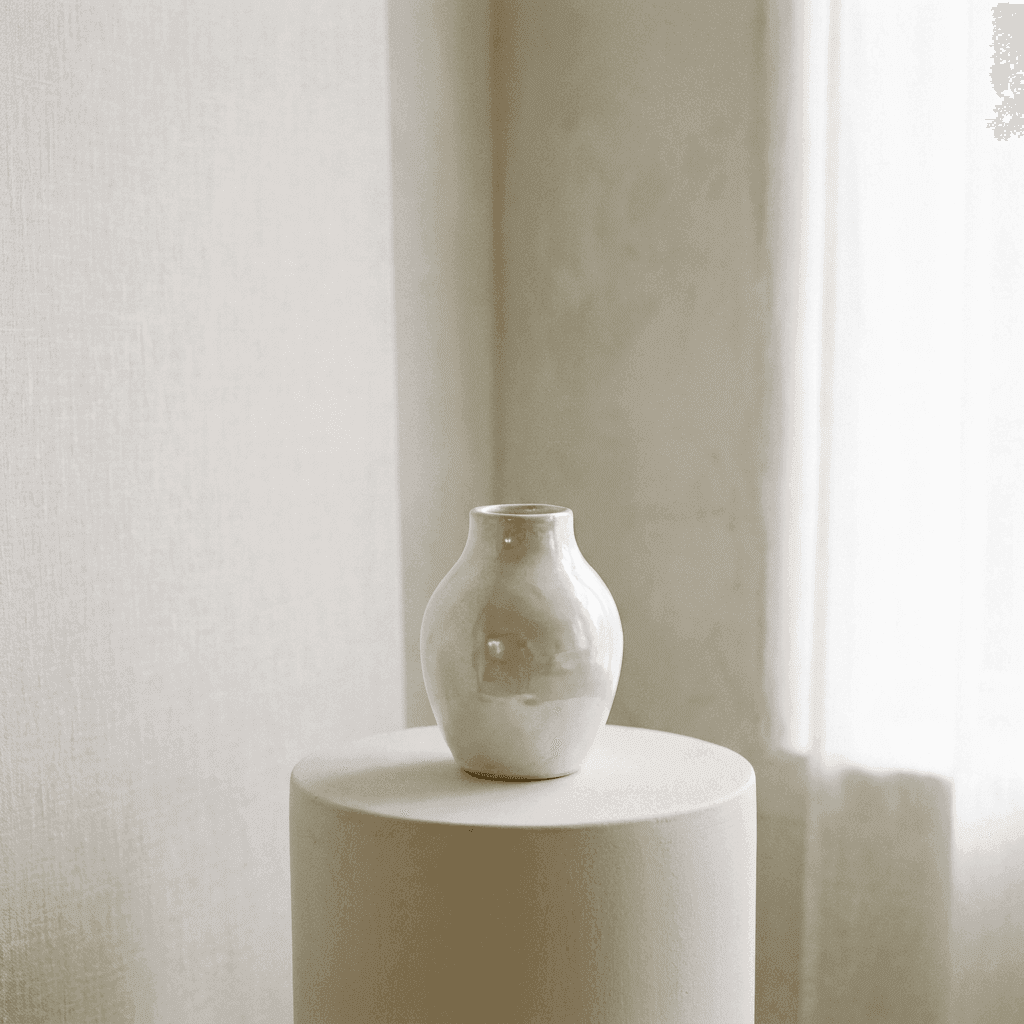
Trovi la bellezza nei dettagli
Descriva il materiale, la luce e la composizione che ha in mente. Esplori le varianti finché l'immagine non è giusta per il suo progetto. Cambiare una parte alla volta, la luce, l'obiettivo o la superficie, insegna molto di più su ciò a cui risponde un modello che riscrivere tutto il prompt in una volta.
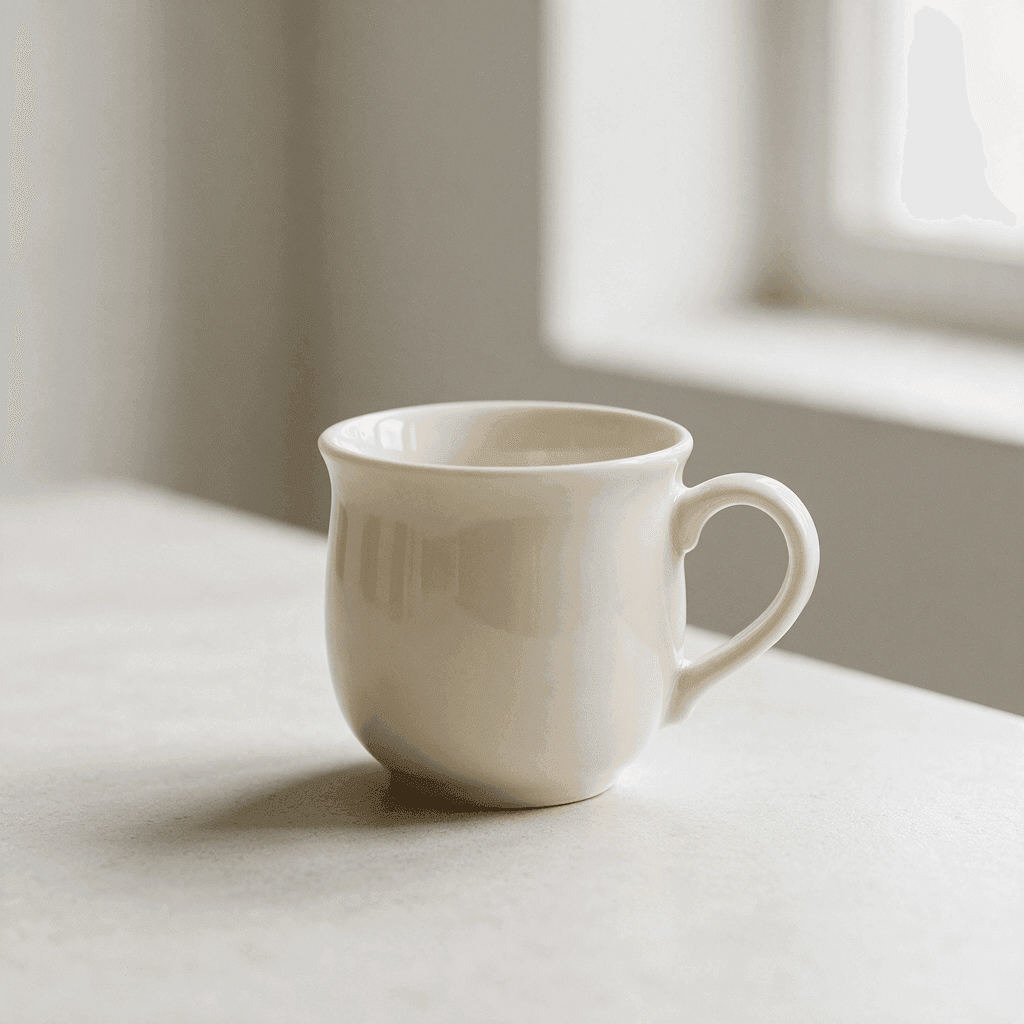
Un'area di lavoro da testo a immagine essenziale
I controlli che servono per iniziare.
Formati flessibili
Rapporti quadrati, verticali e orizzontali: 1:1, 3:4, 4:3, 16:9 e 9:16. Ne scelga uno prima di generare, così la composizione viene costruita per il posto in cui finirà l'immagine.
Modelli ufficiali ed esterni
Usi il nostro flusso curato oppure scelga direttamente Nano Banana Pro, Nano Banana 2.1, GPT Image 2 o Seedream 5 Pro. Ognuno interpreta lo stesso prompt a modo suo.
Risultati da scaricare
Salvi l'immagine generata direttamente dal pannello dei risultati. Non c'è nessuna filigrana da togliere né una schermata di esportazione separata tra lei e il file.
Spazio per un prompt lungo
Il campo del prompt accetta fino a 5.000 caratteri. Bastano per un soggetto, un'ambientazione, una nota sulla luce e un elenco di cose da evitare, senza tagliare la richiesta per farla entrare.
Niente da installare
La generazione funziona nel browser che sta già usando. Nessun plugin e nessuna app desktop. Acceda con Google per generare; il primo accesso include 10 crediti gratuiti.
Un'attività che resiste al ricaricamento
L'area di lavoro ricorda una generazione in corso, quindi ricaricare la pagina o passare ad altro non le fa perdere l'immagine che stava aspettando.
Il resto del kit per le immagini
Creare un'immagine è un lavoro. Questi sono gli altri.
Immagine a immagine
Parta da una foto che ha già e descriva per lei un nuovo stile, un'ambientazione o un'atmosfera.
Annotare e modificare
Mantenga un'immagine e ne cambi solo una parte. Disegni una freccia sul punto e scriva lì l'istruzione.
Rimuovere lo sfondo
Scontorni un soggetto come PNG trasparente. Questo strumento funziona sul suo dispositivo e non su un server.
Continui a lavorare sulla sua immagine
Dove il testo a immagine aiuta di più
Direzione artistica
- Esplori un'atmosfera prima di impegnare un fotografo, un set o un budget.
- Provi tre composizioni dello stesso soggetto e le metta una accanto all'altra in una presentazione.
- Trasformi un riferimento scritto in qualcosa che una stanza piena di persone possa guardare e discutere.
Immagini per social ed editoria
- Generi dalla stessa idea un'immagine verticale per le storie e una orizzontale per un'intestazione.
- Illustri un articolo quando la fotografia che le serve non esiste e le banche immagini non ce l'hanno.
- Costruisca il concept visivo di una campagna prima che ne sia stata prodotta una qualsiasi parte.
Still life e concept di prodotto
- Descriva oggetti, superfici e materiali e veda come stanno insieme in un'unica inquadratura.
- Sperimenti con la luce, dura e direzionale oppure morbida e coperta, senza spostare una sola lampada.
- Abbozzi un'idea di packaging o di allestimento così in fretta che sbagliare non costa nulla.
Segnaposto e mockup
- Riempia un layout con un'immagine nel rapporto per cui l'ha progettato, invece dell'ennesimo riquadro grigio.
- Dia a un prototipo il tono del prodotto finito, così i commenti riguardano il design e non le immagini mancanti.
- Produca uno sfondo o una texture da mettere dietro al testo in una slide, un banner o una copertina.
Che cos'è un generatore da testo a immagine?
Un generatore di immagini con AI si guadagna il suo posto quando l'immagine che le serve non esiste ancora: un'illustrazione per un articolo, un concept da mostrare a qualcuno, un segnaposto adatto al suo layout. Ecco cosa succede a ciò che scrive.
Il suo prompt
L'area di lavoro accetta fino a 5.000 caratteri. Un soggetto da solo basta per iniziare, e aggiungere materiale, luce, inquadratura e atmosfera restringe ciò che torna indietro. Non c'è una sintassi di parole chiave da imparare né parole magiche da collezionare; le frasi normali funzionano.
Il suo modello
PixJelly V2.0 è il nostro flusso curato e attualmente funziona con Nano Banana Pro. Sono disponibili anche Nano Banana 2.1, GPT Image 2 e Seedream 5 Pro, e ognuno interpreta lo stesso prompt a modo suo. Provare la stessa richiesta su due modelli è un modo economico per capire quale si adatta al suo tipo di immagine.
La sua inquadratura
Scelga 1:1, 3:4, 4:3, 16:9 o 9:16 prima di generare. Il rapporto d'aspetto plasma la composizione, quindi conviene abbinarlo al posto in cui finirà l'immagine. Cambiare modello riporta la scelta al quadrato, per questo il formato è l'ultima cosa da impostare.
Il suo risultato
La generazione avviene sui server del fornitore, non nel suo browser. L'immagine finita compare nel pannello dei risultati con un pulsante di download, e una nuova generazione la sostituisce, quindi salvi ciò che vuole tenere prima del giro successivo.
Prima crei, poi perfezioni
Generi un'immagine di partenza dal testo, poi decida cosa farne. Il testo a immagine è bravissimo a far esistere un'intera inquadratura e molto meno bravo a cambiare un angolo di un'immagine che è già quasi giusta. Sono lavori diversi, e l'area di lavoro ha uno strumento a parte per il secondo.
Per questo l'abitudine utile è trattare il primo risultato come una bozza. Lo scarichi, lo guardi lontano dal campo del prompt e decida se il passo successivo è un altro prompt o una modifica mirata all'immagine che ha già.
Ogni generazione produce un'immagine nuova. Due tentativi con lo stesso prompt non coincideranno, e un piccolo cambiamento nelle parole può spostare l'intera composizione. Se un risultato si avvicina a ciò che voleva, lo salvi prima di ricominciare a sperimentare.
Ha già una foto vicina a ciò che vuole? Immagine a immagine parte da quella foto invece che da un'inquadratura vuota, così la posa, l'inquadratura e la luce restano mentre cambiano lo stile, l'ambientazione o l'atmosfera.
Domande sul testo a immagine
Che cos'è PixJelly V2.0?
PixJelly V2.0 è il nostro flusso di immagini curato e attualmente funziona con Nano Banana Pro. Unisce una richiesta visiva coerente al modello sottostante; non è un modello di base addestrato separatamente.
Serve un'immagine di riferimento?
No. Questo strumento crea un'immagine soltanto dal suo prompt di testo. Un'area di lavoro vuota e una frase sono un punto di partenza valido.
Quanto tempo richiede la generazione?
Dipende dal modello e dal carico del fornitore. Il pannello dei risultati mostra l'avanzamento. Se l'attesa va in timeout, ricontrolli l'attività esistente senza avviare un'altra generazione.
La generazione avviene sul mio dispositivo?
No. Il prompt viene inviato al fornitore di immagini e l'immagine viene generata sui suoi server, non nel suo browser.
Quanto può essere lungo un prompt?
Fino a 5.000 caratteri. La maggior parte dei prompt utili è molto più breve; il limite esiste perché una richiesta dettagliata non debba mai essere tagliata per entrare nel campo.
Quali rapporti d'aspetto sono disponibili?
Cinque forme: una quadrata, due verticali e due orizzontali. Quello predefinito è quadrato, e cambiare modello azzera la scelta, quindi imposti il rapporto dopo aver deciso il modello.
Posso generare due volte la stessa immagine?
Non esattamente. Ogni generazione produce un'immagine nuova, e lo stesso prompt può restituire qualcosa di diverso. Scarichi ciò che vuole tenere prima di modificare il prompt.
Serve un account?
Può scrivere un prompt senza account. Per generare l'immagine serve l'accesso con Google, perché viene elaborata sui server di un fornitore di immagini. Il primo accesso aggiunge 10 crediti gratuiti, sufficienti per due immagini con il modello meno costoso.