
Texto a imagen
IA de texto a imagen, hecha para tu imaginación
Describe un sujeto, un escenario y la sensación que buscas. Genera una imagen nueva en un espacio de trabajo sencillo y luego descárgala o llévala a tu próxima edición.
De texto a imagen en tres pasos
- 1
Describe la imagen
Empieza por un sujeto y añade lo que importa: material, iluminación, encuadre, ambiente. El cuadro del prompt admite hasta 5000 caracteres, así que hay espacio para ser concreto, aunque una sola línea basta para empezar.
- 2
Elige el formato
Elige PixJelly V2.0 o uno de los modelos de imagen externos y después la forma del encuadre. La proporción define la composición que construye el modelo, así que conviene decidirla antes de generar en lugar de llegar a ella recortando después.
- 3
Genera y descarga
La solicitud se procesa en los servidores del proveedor mientras el espacio de trabajo sigue la tarea. Cuando llegue la imagen, revísala a tamaño completo y guárdala con el botón de descarga, o ajusta el prompt y vuelve a generarla.
Haz espacio para tu propia dirección
Usa un prompt breve para explorar o añade detalles para un encargo visual más concreto. No hay fórmula obligatoria ni lista de palabras clave que memorizar. Una frase sencilla sobre lo que quieres ver es un punto de partida válido, y el espacio para escribir más está ahí para los días en que la imagen que tienes en la cabeza es más precisa que eso.
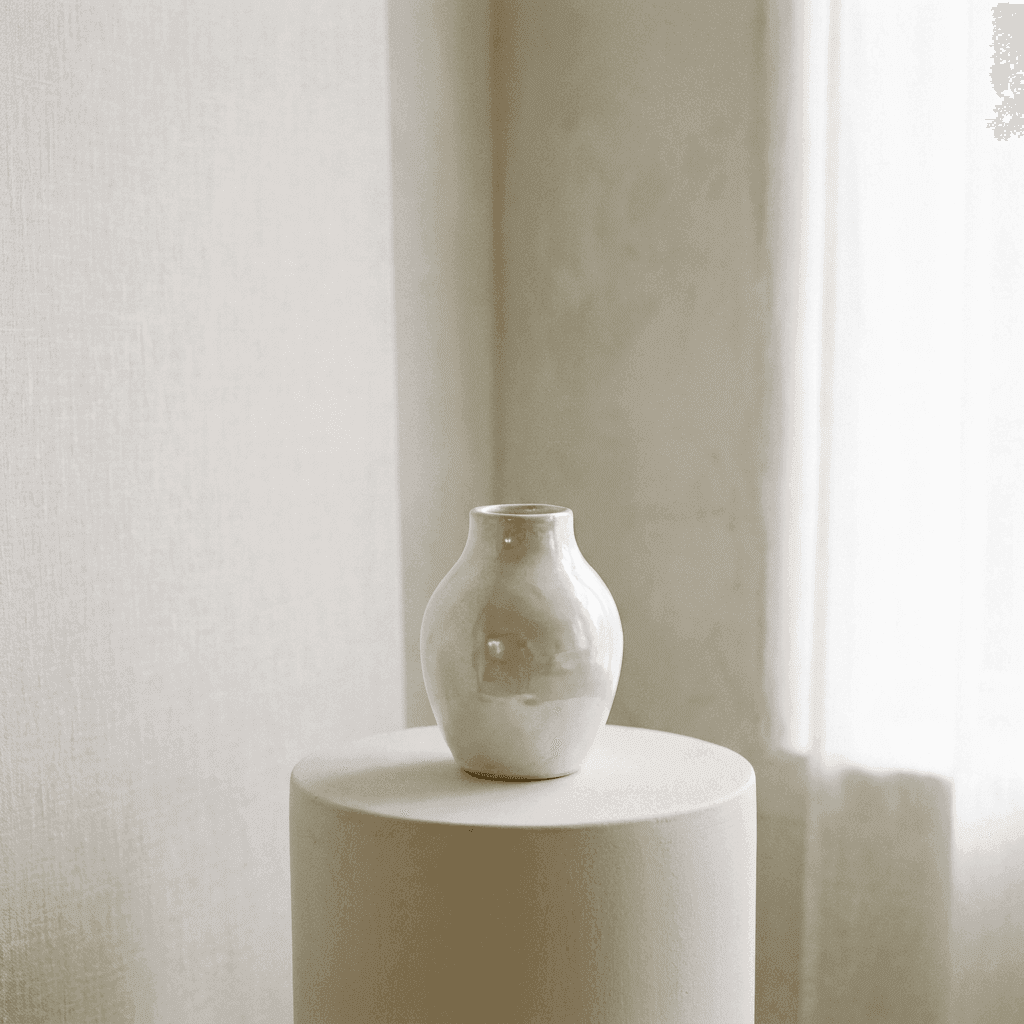
Encuentra la belleza en los detalles
Describe el material, la luz y la composición que tienes en mente. Explora variaciones hasta que la imagen encaje con tu proyecto. Cambiar una sola parte cada vez, la luz, el objetivo o la superficie, te enseña mucho más sobre lo que entiende un modelo que reescribir el prompt entero de una vez.
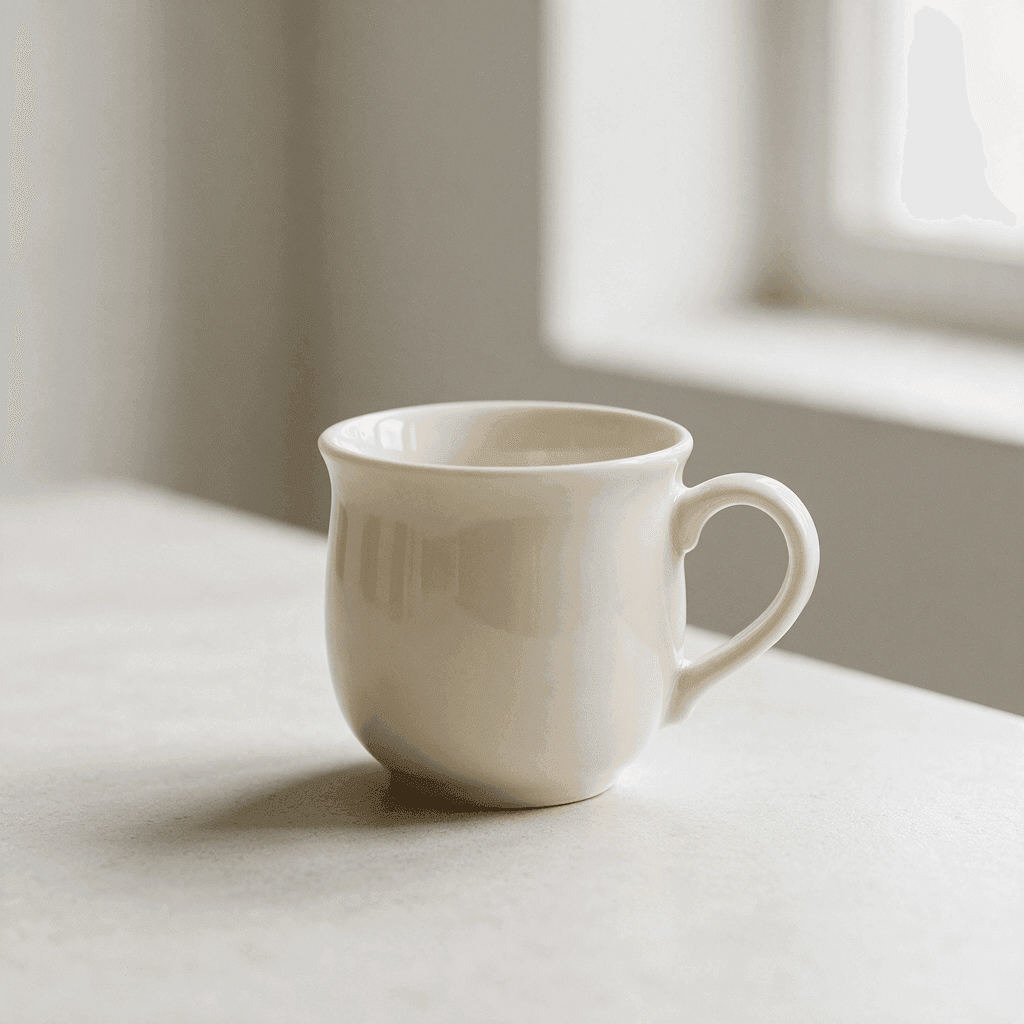
Un espacio de trabajo de texto a imagen enfocado
Los controles que necesitas para empezar.
Formatos flexibles
Proporciones cuadradas, verticales y horizontales: 1:1, 3:4, 4:3, 16:9 y 9:16. Elige una antes de generar para que la composición se construya pensando en el lugar donde terminará la imagen.
Modelos oficiales y externos
Usa nuestro flujo seleccionado o elige directamente Nano Banana Pro, Nano Banana 2.1, GPT Image 2 o Seedream 5 Pro. Cada uno interpreta el mismo prompt a su manera.
Resultados descargables
Guarda la imagen generada directamente desde el panel de resultados. No hay marca de agua que quitar ni una pantalla de exportación aparte entre tú y el archivo.
Espacio para un prompt largo
El cuadro del prompt acepta hasta 5000 caracteres. Alcanza para un sujeto, un escenario, una nota sobre la luz y una lista de cosas que evitar, sin recortar el encargo para que quepa.
Nada que instalar
La generación funciona en el navegador que ya estás usando. Sin plugins y sin aplicación de escritorio. Inicia sesión con Google para generar; tu primer inicio de sesión incluye 10 créditos gratis.
Una tarea que sobrevive a una recarga
El espacio de trabajo recuerda una generación en curso, así que recargar la página o cambiar de pestaña no te hace perder la imagen que estabas esperando.
El resto del kit de imagen
Crear una imagen es un trabajo. Estos son los demás.
Imagen a imagen
Parte de una foto que ya tienes y describe un estilo, un escenario o un ambiente nuevo para ella.
Anotar y editar
Conserva una imagen y cambia solo una parte. Dibuja una flecha hacia ese punto y escribe ahí la instrucción.
Quitar fondo
Separa un sujeto como PNG transparente. Esa herramienta funciona en tu propio dispositivo y no en un servidor.
Sigue trabajando con tu imagen
Dónde ayuda más el texto a imagen
Dirección de arte
- Explora un ambiente antes de comprometer a un fotógrafo, un set o un presupuesto.
- Prueba tres composiciones del mismo sujeto y ponlas una junto a otra en una presentación.
- Convierte una referencia escrita en algo que una sala llena de gente pueda mirar y discutir.
Imágenes para redes y contenido editorial
- Genera a partir de la misma idea una imagen vertical para historias y una horizontal para un encabezado.
- Ilustra un artículo cuando la fotografía que necesitas no existe y los bancos de imágenes no la tienen.
- Construye el concepto visual de una campaña antes de que se haya producido nada.
Bodegones y conceptos de producto
- Describe objetos, superficies y materiales y mira cómo conviven en un mismo encuadre.
- Experimenta con la luz, dura y direccional o suave y nublada, sin mover una sola lámpara.
- Esboza una idea de empaque o de exhibición tan rápido que equivocarte no cueste nada.
Imágenes provisionales y mockups
- Llena un diseño con una imagen en la proporción que planeaste en lugar de otro recuadro gris.
- Dale a un prototipo el tono del producto terminado para que los comentarios se centren en el diseño y no en el arte que falta.
- Produce un fondo o una textura para colocar detrás del texto en una diapositiva, un banner o una portada.
¿Qué es un generador de texto a imagen?
Un generador de imágenes con IA se gana su lugar cuando la imagen que necesitas todavía no existe: una ilustración para un artículo, un concepto para mostrarle a alguien, una imagen provisional que encaje en tu diseño. Esto es lo que pasa con lo que escribes.
Tu prompt
El espacio de trabajo acepta hasta 5000 caracteres. Un sujeto solo basta para empezar, y añadir material, iluminación, encuadre y ambiente acota lo que vuelve. No hay sintaxis de palabras clave que aprender ni palabras mágicas que coleccionar; las frases normales funcionan.
Tu modelo
PixJelly V2.0 es nuestro flujo seleccionado y actualmente funciona con Nano Banana Pro. También están disponibles Nano Banana 2.1, GPT Image 2 y Seedream 5 Pro, y cada uno interpreta el mismo prompt a su manera. Probar un mismo encargo con dos de ellos es una forma barata de descubrir cuál le va mejor a tu tipo de imagen.
Tu encuadre
Elige 1:1, 3:4, 4:3, 16:9 o 9:16 antes de generar. La proporción da forma a la composición, así que conviene que coincida con el lugar donde terminará la imagen. Cambiar de modelo devuelve la elección a cuadrado, por eso el formato es lo último que conviene ajustar.
Tu resultado
La generación ocurre en los servidores del proveedor, no en tu navegador. La imagen terminada aparece en el panel de resultados con un botón de descarga, y una nueva generación la reemplaza, así que guarda lo que quieras conservar antes de la siguiente.
Primero crea, después afina
Genera una imagen inicial a partir de texto y luego decide qué hacer con ella. El texto a imagen es muy bueno para hacer existir un encuadre completo y mucho menos bueno para cambiar una esquina de una imagen que ya está casi bien. Son trabajos distintos, y el espacio de trabajo tiene una herramienta aparte para el segundo.
Por eso el hábito útil es tratar el primer resultado como un borrador. Descárgalo, míralo lejos del cuadro del prompt y decide si el siguiente paso es otro prompt o un cambio puntual sobre la imagen que ya tienes.
Cada generación produce una imagen nueva. Dos intentos con el mismo prompt no van a coincidir, y un pequeño cambio en la redacción puede mover toda la composición. Si un resultado se acerca a lo que querías, guárdalo antes de volver a experimentar.
¿Ya tienes una foto parecida a lo que buscas? Imagen a imagen parte de esa imagen en lugar de un encuadre vacío, así que la pose, el encuadre y la luz se mantienen mientras cambian el estilo, el escenario o el ambiente.
Preguntas sobre texto a imagen
¿Qué es PixJelly V2.0?
PixJelly V2.0 es nuestro flujo de imagen seleccionado y actualmente funciona con Nano Banana Pro. Combina un encargo visual coherente con el modelo subyacente; no es un modelo fundacional entrenado por separado.
¿Necesito una imagen de referencia?
No. Esta herramienta crea una imagen solo a partir de tu prompt de texto. Un espacio de trabajo vacío y una frase son un punto de partida válido.
¿Cuánto tarda la generación?
Varía según el modelo y la carga del proveedor. El panel de resultados muestra el progreso. Si la espera se agota, vuelve a consultar la tarea existente sin iniciar otra generación.
¿La generación ocurre en mi dispositivo?
No. Tu prompt se envía al proveedor de imágenes y la imagen se genera en sus servidores, no en tu navegador.
¿Qué tan largo puede ser un prompt?
Hasta 5000 caracteres. La mayoría de los prompts útiles son mucho más cortos; el límite existe para que un encargo detallado nunca tenga que recortarse para caber en el cuadro.
¿Qué proporciones hay disponibles?
Cinco formas: una cuadrada, dos verticales y dos horizontales. La predeterminada es cuadrada, y cambiar de modelo reinicia la elección, así que ajusta la proporción después de decidir el modelo.
¿Puedo generar la misma imagen dos veces?
No exactamente. Cada generación produce una imagen nueva, y el mismo prompt puede devolver algo distinto. Descarga lo que quieras conservar antes de modificar el prompt.
¿Necesito una cuenta?
Puedes escribir un prompt sin cuenta. Para generar la imagen hace falta iniciar sesión con Google, porque se procesa en los servidores de un proveedor de imágenes. Tu primer inicio de sesión suma 10 créditos gratis, suficientes para dos imágenes con el modelo de menor costo.